🔍 Introduction
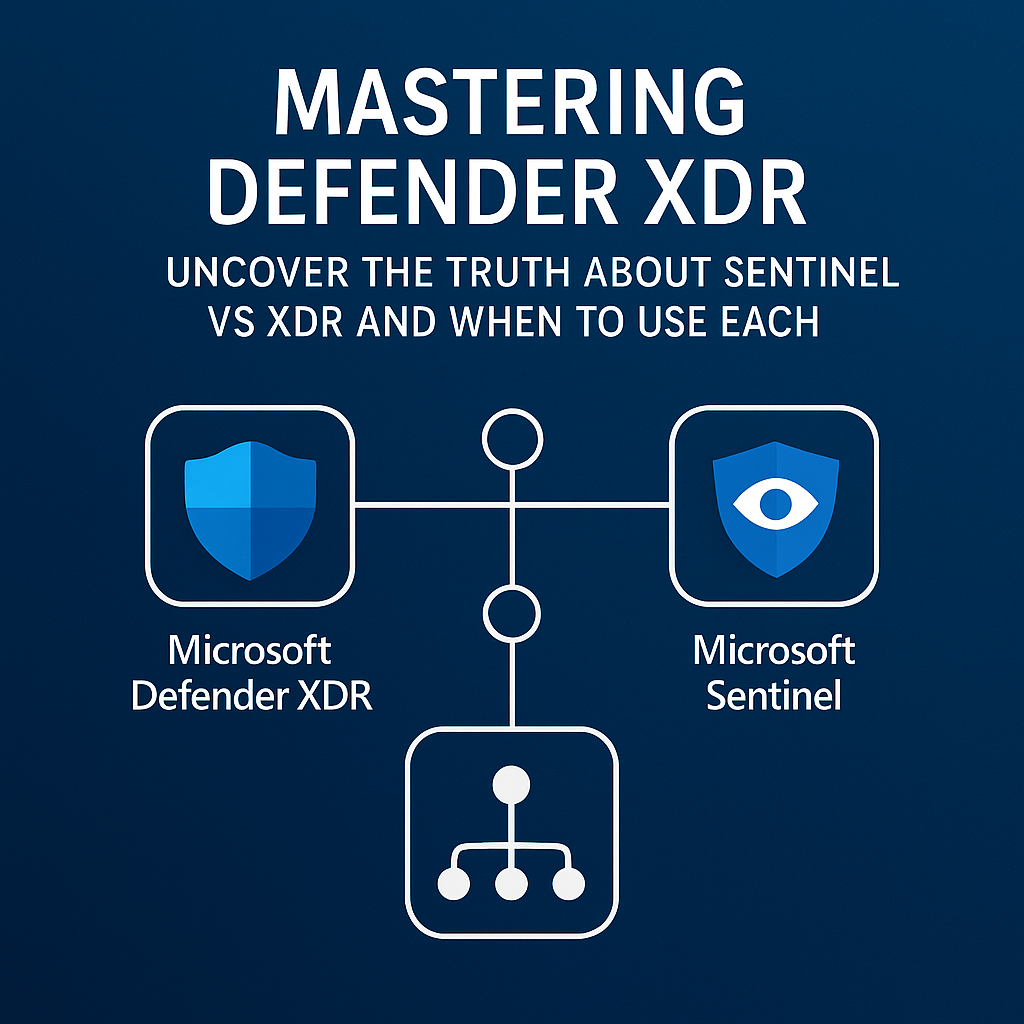
Microsoft Defender XDR and Microsoft Sentinel are two of the most powerful security tools in the cloud-native ecosystem. However, while both platforms are highly capable, many security professionals remain unclear on when to use one over the other or how to use them together for full-spectrum protection.
That’s exactly what this final post in the Mastering Defender XDR series is here to solve. You’ll learn the key distinctions, explore where the overlap occurs, and walk away with clear guidance to strengthen your detection and response strategy.
🛡️ Defender XDR: Real-Time Detection and Response Across Microsoft Assets
To begin, let’s examine Microsoft Defender XDR. This tool offers an integrated approach to protecting your Microsoft 365 environment. It continuously collects signals from endpoints, email, identities, cloud apps, and more.
Rather than forcing analysts to piece together alerts manually, Defender XDR automatically correlates related activities into unified incidents. As a result, security teams gain speed and clarity during investigations.
✔️ When to Use It:
- You are protecting primarily Microsoft-based assets
- You need fast, automated correlation between alerts
- You want out-of-the-box investigation tools tied directly to Microsoft signals
💡 Key Capabilities:
- Native integration with Defender for Endpoint, Identity, Office 365, and Cloud Apps
- Unified incident queue combining multiple alerts
- Live Response capabilities and automatic remediation
- Advanced Hunting using KQL for custom detections

Additionally, Defender XDR reduces alert fatigue by grouping relevant detections into a single story. Therefore, analysts can focus on what matters most. In many cases, the need to investigate individual alerts is significantly reduced, resulting in time saved and faster containment.
🛰️ Microsoft Sentinel: Scalable SIEM and SOAR for Complex Environments
Next, let’s turn to Microsoft Sentinel. Unlike Defender XDR, this platform extends your visibility far beyond Microsoft services. Because it is a cloud-native SIEM and SOAR platform, it supports ingestion from hundreds of sources, including third-party firewalls, Linux systems, AWS, GCP, and many others.
In contrast to XDR’s focused protection, Sentinel enables you to build custom analytics rules, generate visual dashboards, and automate responses using Logic Apps. Consequently, it becomes essential in hybrid or multi-cloud environments.
✔️ When to Use It:
- Your organization leverages multi-cloud or hybrid infrastructure
- You require long-term log retention and historical hunting
- You need to automate workflows across multiple platforms and tools
💡 Key Capabilities:
- 100+ built-in data connectors to major vendors
- UEBA (User & Entity Behavior Analytics) to detect insider threats
- Workbook and dashboard customization for visual analysis
- SOAR capabilities with automated remediation

In addition, Sentinel empowers analysts to proactively hunt threats before they escalate into full-blown incidents. Even when alerts are subtle, correlations across log data allow teams to detect threats early.
🔗 Learn More: Microsoft Sentinel Overview
🔄 Why Sentinel and Defender XDR Work Best Together
Although both platforms are valuable on their own, they become significantly more effective when combined. In fact, using Defender XDR for Microsoft-native correlation while employing Sentinel for global visibility and automation provides a comprehensive detection-to-response architecture.
🔗 Integration Scenarios:
- Forward Defender XDR incidents to Sentinel for broader correlation
- Use Sentinel playbooks to trigger actions in Defender XDR (like device isolation)
- Hunt threats in Sentinel over long-term log data and pivot into real-time XDR data

Together, these tools create a powerful combination. Sentinel adds deep log analytics and integrations with non-Microsoft tools. Meanwhile, Defender XDR brings speed and precision to native threat detection. As a result, your security posture becomes more adaptive and intelligent.
🔗 Learn More: Connect Microsoft Defender to Sentinel
🧭 Quick Comparison Guide
To help clarify usage, here’s a simplified breakdown of both tools:
| Scenario | Use Defender XDR | Use Microsoft Sentinel |
|---|---|---|
| Microsoft-native threat detection | ✅ | ✅ |
| Third-party log ingestion | ❌ | ✅ |
| Historical hunting and analytics | ⚠️ Limited | ✅ |
| Automated remediation workflows | ⚠️ Basic | ✅ |
| Compliance-driven log retention | ⚠️ Limited | ✅ |
As you can see, Defender XDR excels in Microsoft environments, while Sentinel excels when visibility and scalability are required.
✅ Final Thoughts
In conclusion, Microsoft Defender XDR is the best option for real-time defense across Microsoft workloads. On the other hand, Microsoft Sentinel brings SIEM and SOAR capabilities to enterprises that demand advanced analytics and automation across a wide set of sources.
By combining them, your security operations center gains real-time detection, long-term visibility, and scalable automation. Rather than thinking of these tools as competitors, think of them as complementary layers in your defense strategy.
🔄 In Case You Missed It
➡️ Last Week’s Post: Mastering Defender XDR: How to Stop Cyber Threats with Smart Response and Automation
📚 Full Series Archive: https://itssecuritydaywithmike.blog/blog/