Introduction
Last week, we explored what Sentinel MCP is and how it integrates with Microsoft Sentinel. As security operations evolve at lightning speed, AI-driven workflows are becoming the cornerstone of modern SOCs. With Microsoft Sentinel MCP (Model Context Protocol), your team can harness agentic automation to interact with security data using natural language while maintaining full control and context.
This post explores how MCP tools work alongside your agent, enabling seamless integration between Security Copilot and Sentinel Data Lake for advanced data exploration.
What Are MCP Tools?
MCP tools are structured, schema-driven components that expose Sentinel’s security context to AI agents. They allow:
- Natural Language Queries: Analysts can ask questions like “Show me failed sign-ins in the last 24 hours.”
- Context-Aware Responses: Tools return structured, validated data to reduce hallucinations.
- Secure Interactions: Authentication and role-based access via Microsoft Entra ID.
Learn more: Sentinel MCP Data Exploration
How MCP Tools Work Alongside Your Agent
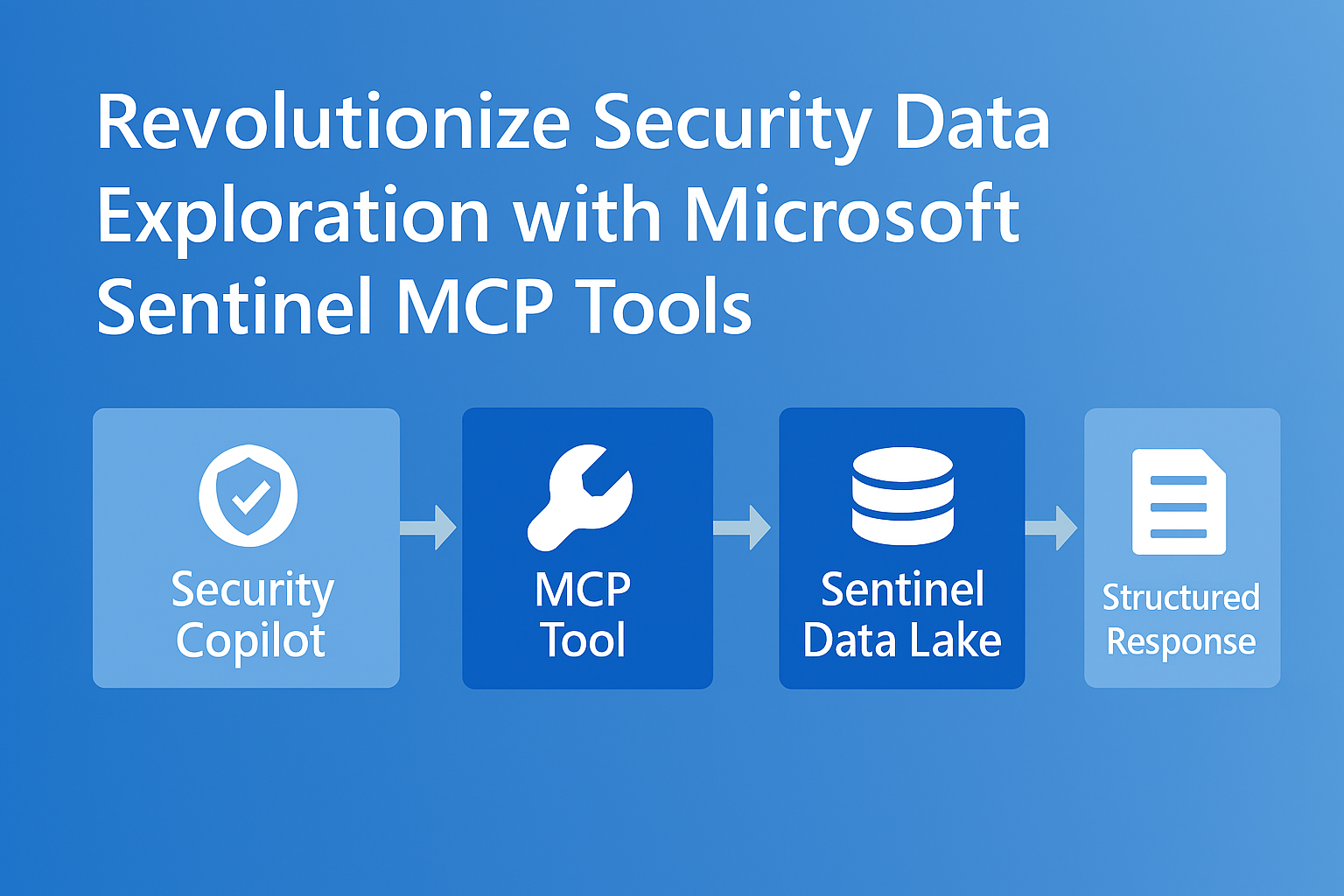
When you interact with Security Copilot, MCP tools act as the bridge between natural language and actionable queries:
- Agent Receives Prompt: Example: “Summarize all high-severity alerts from Defender for Endpoint.”
- Tool Discovery: MCP tools registered on the MCP server are discovered dynamically.
- Schema Validation: The agent uses strongly typed schemas to ensure accurate input/output.
- Execution: The MCP tool queries Sentinel Data Lake and returns structured results.
- Response Generation: Security Copilot summarizes findings and recommends next steps.
Workflow Diagram

Benefits of MCP Tool Integration
- Machine-Speed Defense: AI agents execute queries in seconds.
- Reduced Complexity: No need for custom APIs or connectors.
- Enhanced SOC Efficiency: Junior analysts operate at expert levels with AI assistance.
Example Use Case
Prompt:
“Find anomalies in sign-in patterns for the last 7 days and suggest remediation steps.”
Workflow:
- Security Copilot interprets the prompt.
- MCP tool retrieves sign-in data from Sentinel Data Lake.
- Agent summarizes anomalies and provides actionable recommendations.
Getting Started
To enable MCP tools:
- Deploy MCP Server (Hosted or Self-Hosted).
- Register Tools using MCP SDK in Visual Studio Code.
- Connect Security Copilot to MCP endpoint.
- Start exploring data with natural language prompts.
Detailed guide: https://learn.microsoft.com/en-us/azure/sentinel/datalake/sentinel-mcp-get-started.
Closing Thoughts
MCP tools aren’t just an add-on, they’re the foundation for agentic security operations. By combining structured tool schemas with AI-driven workflows, Microsoft Sentinel empowers SOC teams to move from reactive defense to proactive, automated protection.
Check out prior blog posts here